Saturday 7th November 2026 Group B walk
will now be at Cleobury Golf Club, not Neen Savage
View related walk →
will now be at Cleobury Golf Club, not Neen Savage
View related walk →will now be from Dudmaston Sawmill Car Park, not Neen Savage.
View related walk →We would be most grateful for any donations of prizes for the usual raffle. If anyone would like us to collect a donated prize please leave us a message on the Stride and Stroll Info e-mail address.
View related event →Do please come and join us at our Annual Barn Dance - it is the only source of funding for Kidderminster Stride and Stroll. Tickets are available from 12th September at £10. Purchase from walk leaders or email info@strideandstroll.org.uk - pay by bank transfer and collect tickets on the night.
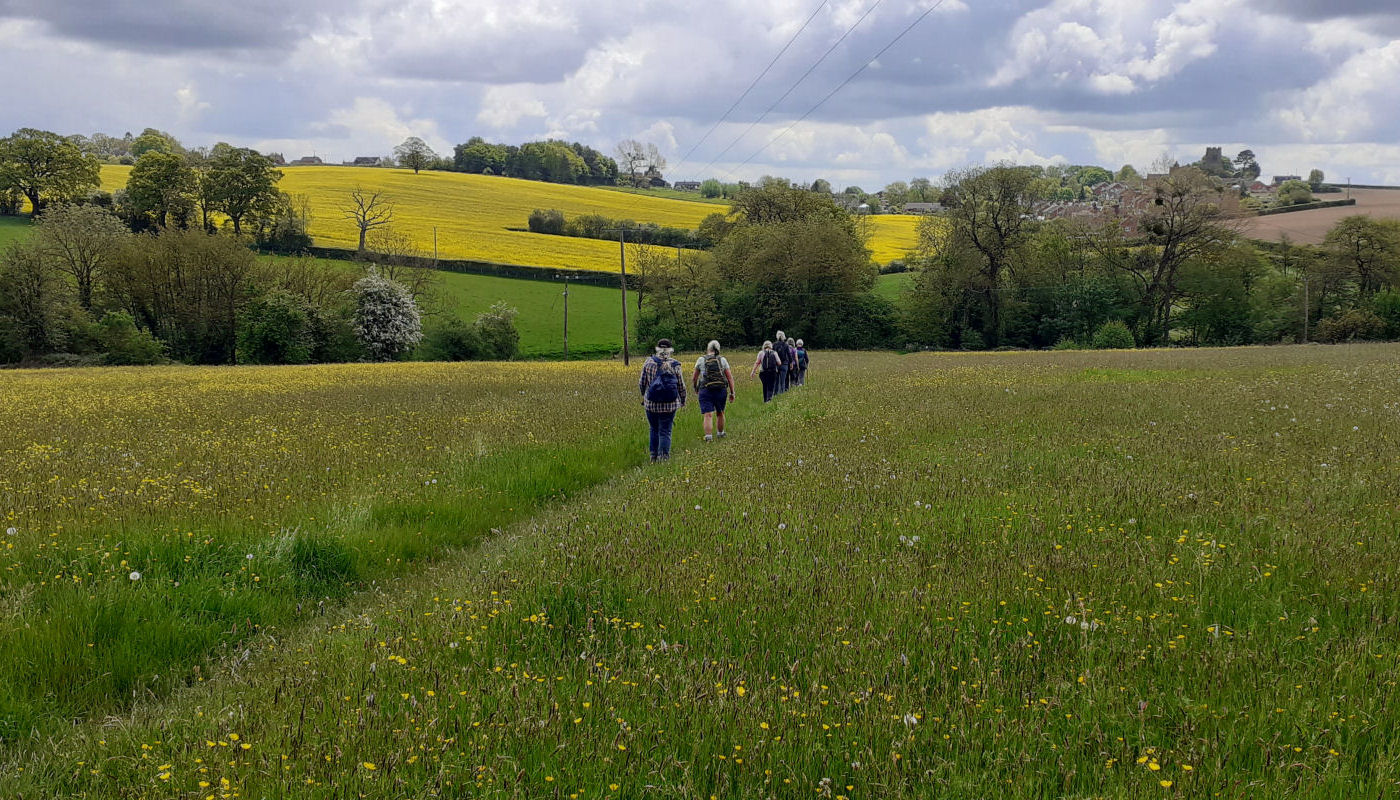
View related event →An organised walking group dedicated to improving health and wellbeing across the Wyre Forest district. We offer a short walk on every Thursday and four different walks on every Saturday throughout the year. There are no subscriptions or costs of any kind other than the unavoidable cost of car parking and occasional charitable donations to organisations which allow us to park on their premises.
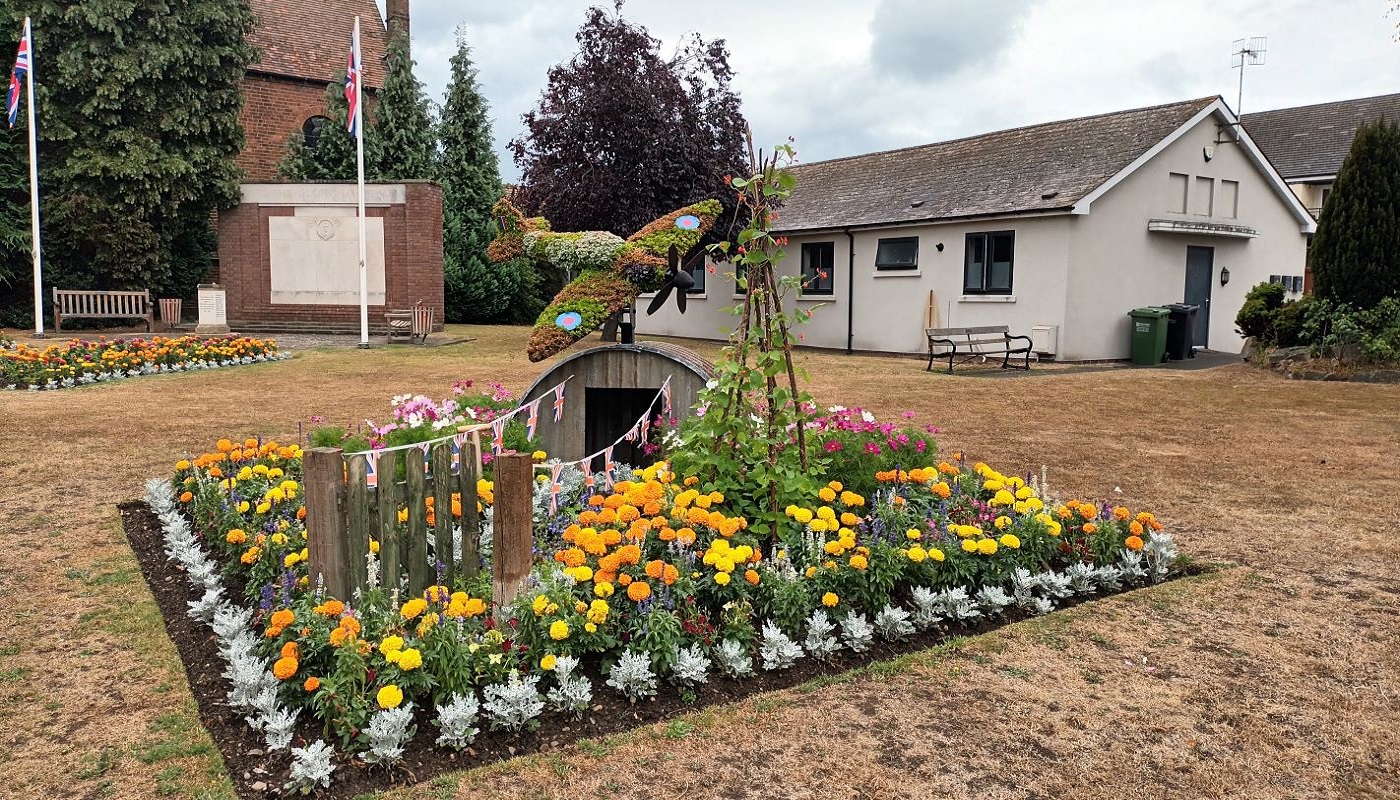
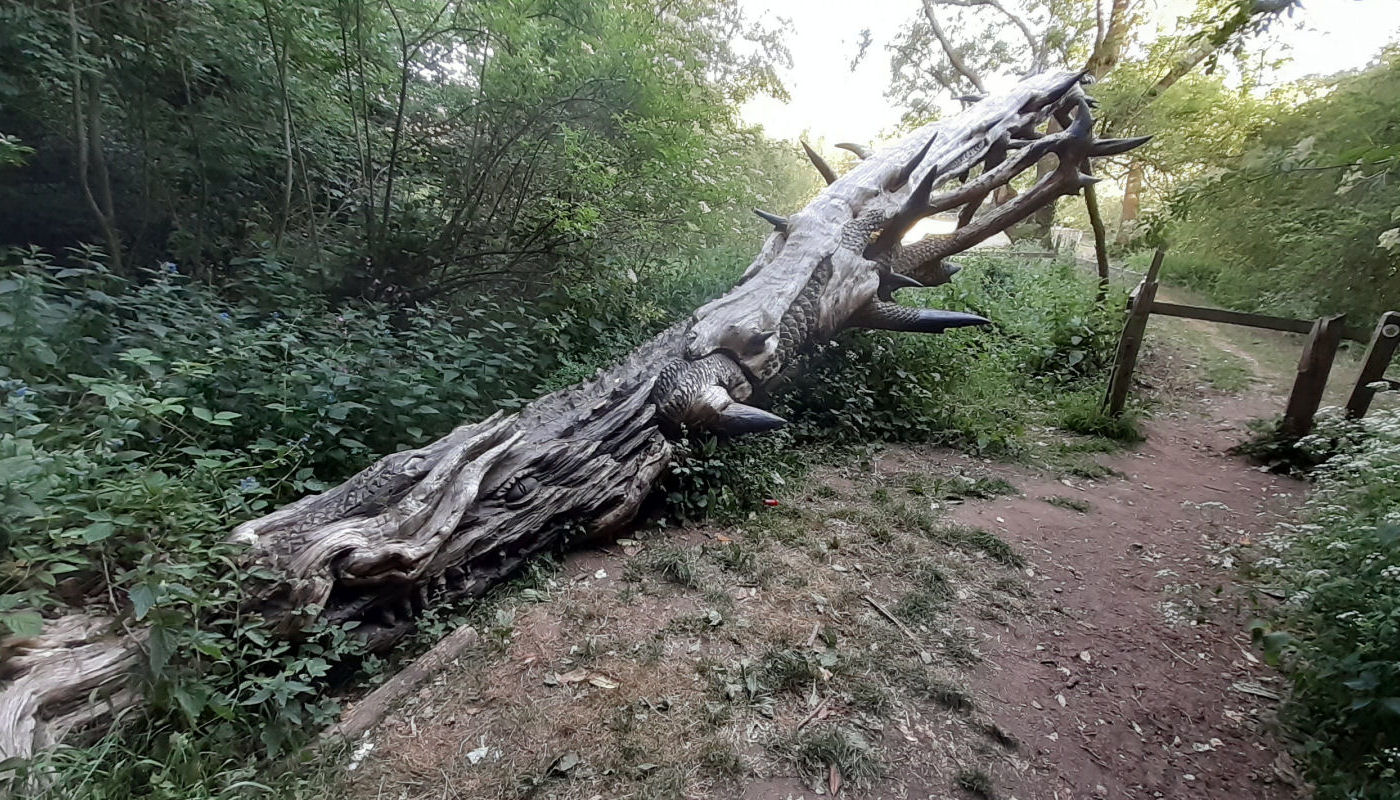
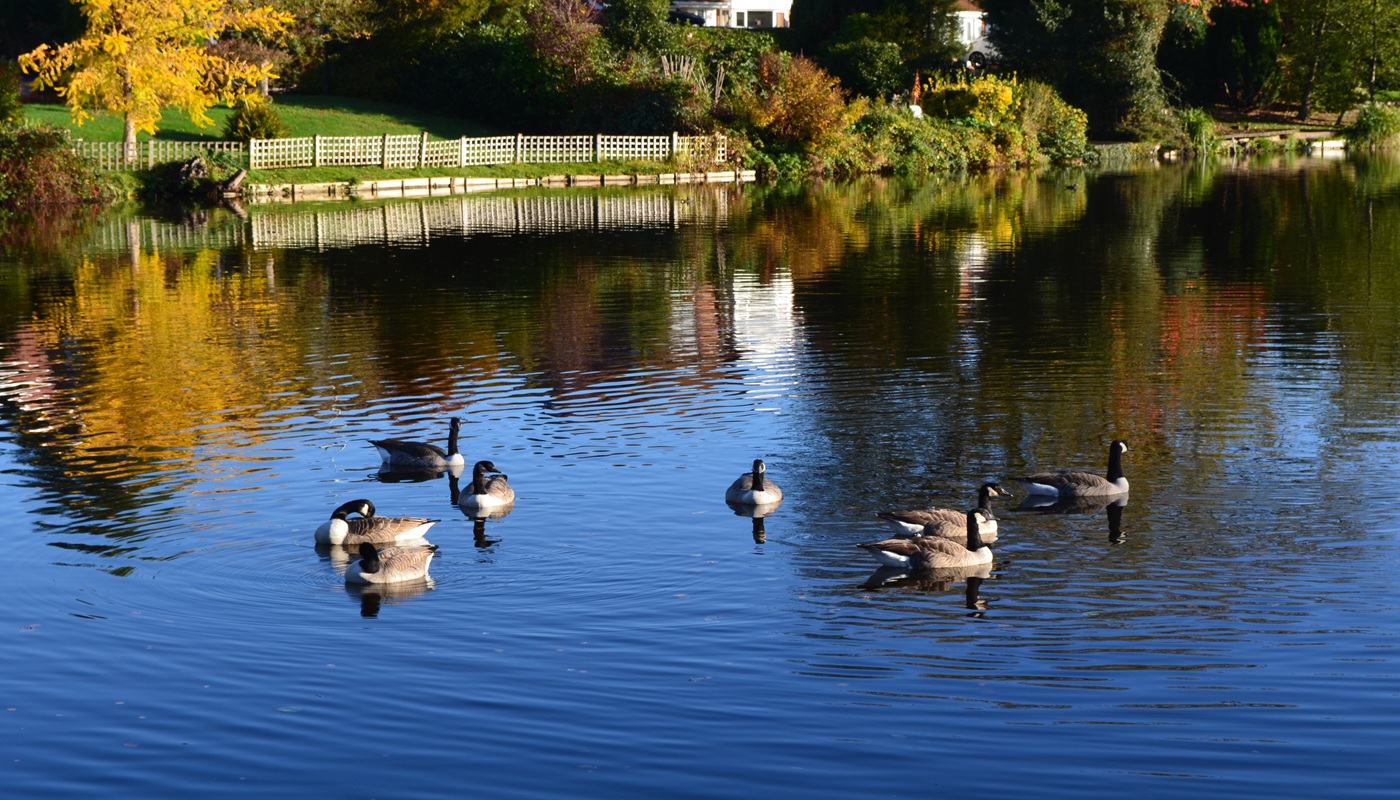

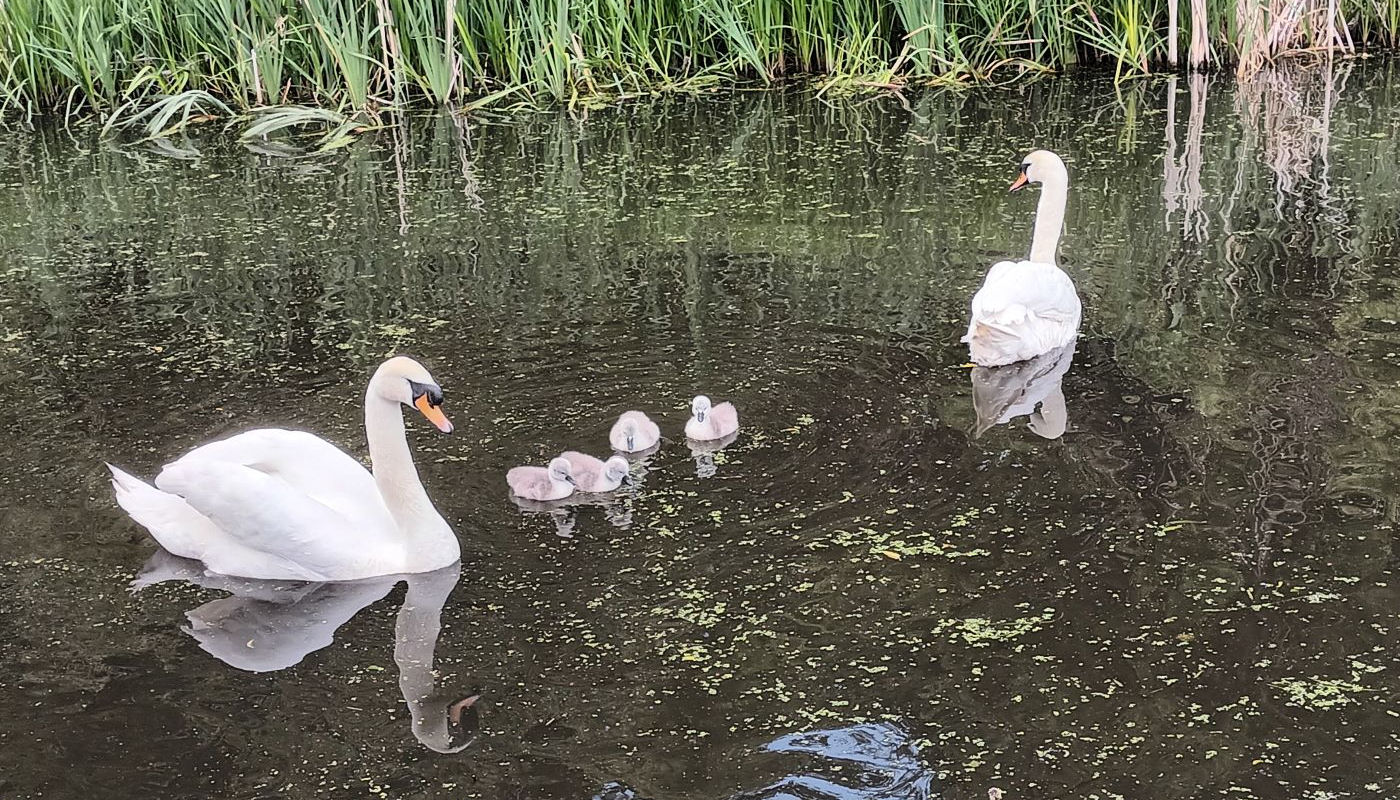
Stourport Memorial flowers, July 2025
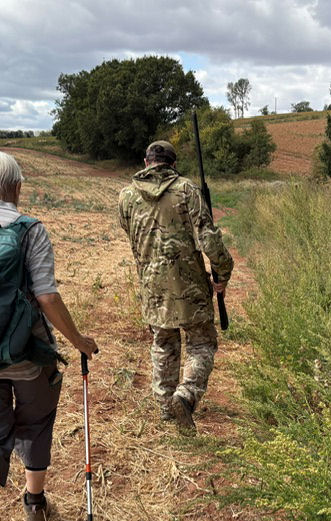
Our walk leaders always put the safety of our walkers first - not only are they trained in First Aid, but they will often go that extra mile, even organising suitable protection when passing through Bandit Country.
Originally formed in 2002 as a cardiac rehabilitation group, Kidderminster Stride and Stroll is an organised walking group which offers, on a weekly basis, a variety of safe walking experiences for people of all ages and abilities.
Learn more about our groups and walks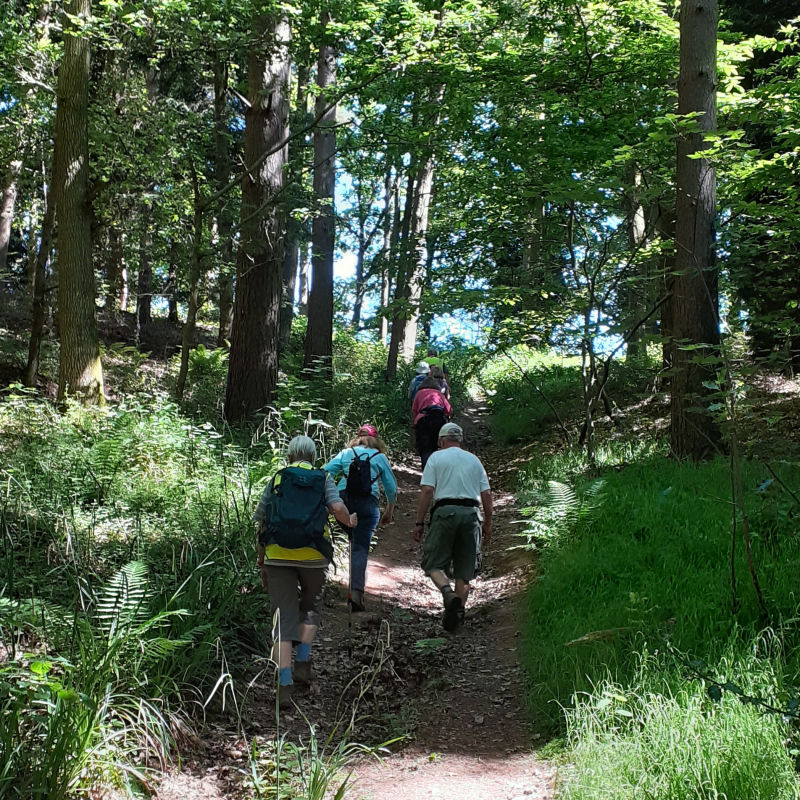
All walkers are required to register with Worcestershire Health Walks when they join our group. Please put the group as "Kidderminster Stride and Stroll".
Registration FormLearn more about how regular walking can improve your health, fitness, and overall wellbeing.
Learn moreAn interesting piece on the BBC website on seven amazing things you might not know about walking
Read ArticleDownload the printable PDF version of our walks for July to December. Be aware that walk locations can be subject to change beyond our control. Always check the notice board before travelling.
Download Walk List (PDF)An A4 poster describing the healthy activities provided by Kidderminster Stride and Stroll. If you would like to download and print copies for your community please
Download posterAll of the emergency services use this to locate someone in need of urgent assistance. It is a useful tool to direct someone to you, or guide you to one of our Walk locations.
Open the what3words app to see your 3-word location.
Tap Share, then choose text, email, or WhatsApp.
Enter the 3 words for the Walk you'd like to join in the search box, then tap Navigate Here.
Download the what3words app from https://what3words.com